
Audiotool
By Audiotool
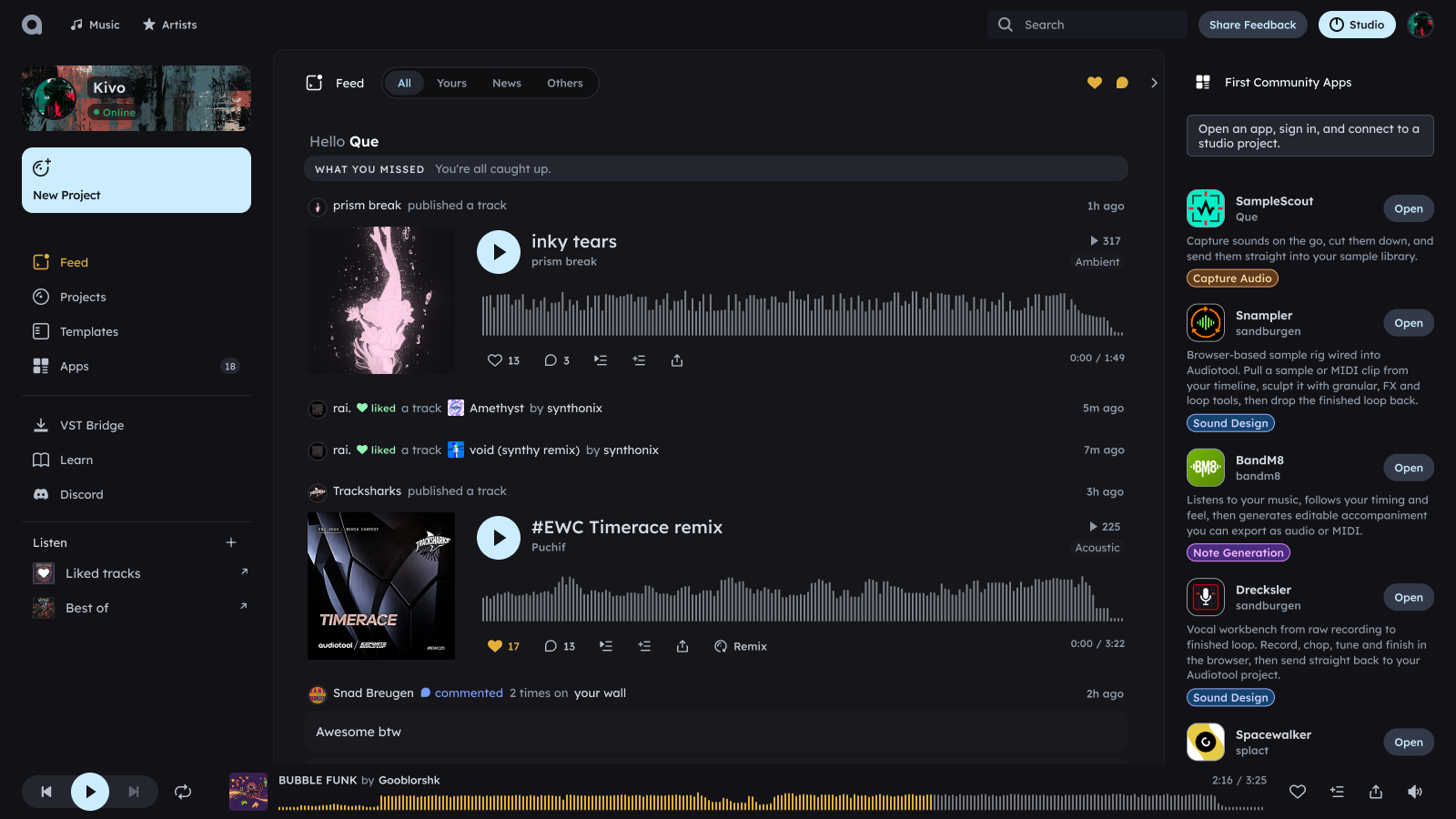
Audiotool places virtual instruments, drum machines, effects and a sequencer in a browser-based studio. Devices are connected in a modular workspace, making signal routing part of the creative process. It is suited to electronic composition and collaborative production, especially when access from different computers matters. Check browser performance and audio-device settings before using a large arrangement.
Before a full session, check audio-device selection, input monitoring and the project sample rate. A short saved project and exported audio file are useful first checks of the complete workflow.
Browser service with account-based project storage; requires a supported browser and internet connection.
Installation and requirements
Open Audiotool’s web studio in a supported browser and sign in to an Audiotool account for project storage. The browser studio does not require installing a conventional desktop DAW. Allow audio playback and grant microphone or MIDI access only when using those inputs.
Getting started
Start a blank project, add a drum machine and route its audio to the mixer/output. Program a short pattern, place it on the timeline, and add a synthesizer part. Save the project to your account before expanding the arrangement or collaborating.
Official setup and product reference
Compatibility and classification
Platforms: Web browser
Categories: DAW & Multitrack Recording, Drum Instruments, Synthesizers
Formats: Web application
License: Free with registration
Free edition restrictions
Browser service with account-based project storage; requires a supported browser and internet connection.