
Deelay
By Sixth Sample / Integraudio
Overview
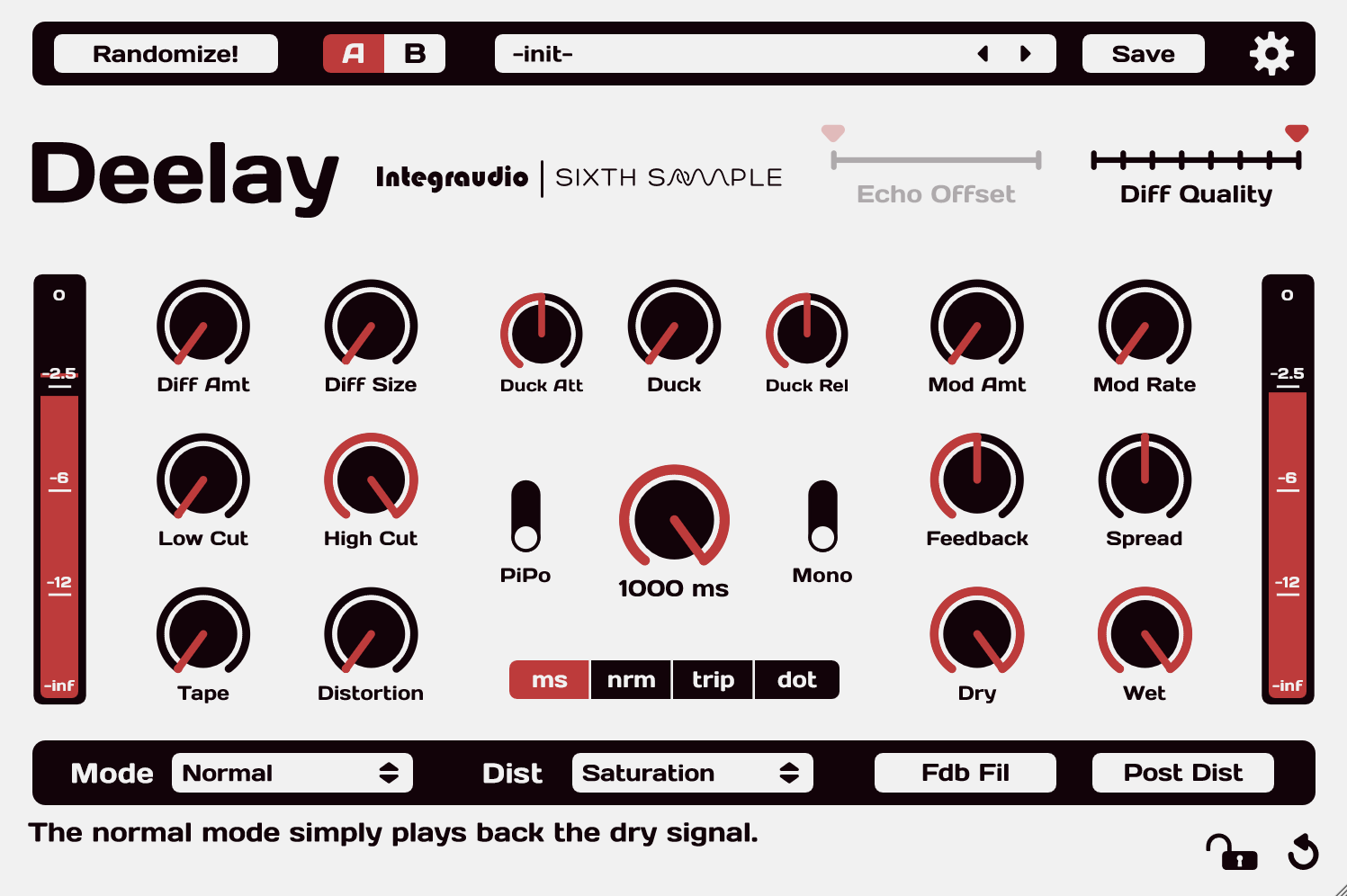
Deelay is a creative delay that can move from straightforward repeats to diffused, reverb-like spaces and heavily transformed echoes. Delay modes, distortion, modulation and filtering provide several ways to change how a phrase develops after the original sound. It is useful for vocal throws, animated synth parts and ambient transitions. This entry covers the free standard edition.
The A/B sides help compare alternative settings without losing the first idea, while presets provide quick starting points. Keep a dry source available when rendering strongly altered material. Older sessions need attention to version compatibility: the developer notes a plug-in identity change at version 1.0.3 and later parameter changes.
Installation and requirements
Use the free Download option on Sixth Sample’s Deelay page and follow its current Moonbase download/license workflow. Install the appropriate 64-bit VST3 or AAX format on Windows 10+, or AU/VST3/AAX on macOS 10.13+. Rescan effects in the host. The paid Platinum Edition is a different product and is not required for the standard free delay.
Getting started
Create an auxiliary return, set Deelay fully wet and send a short vocal or synth phrase to it. Establish a clear repeat time with low feedback, then add diffusion or distortion one at a time. Compare two settings with A/B, balance the send, and save the preset after listening through the next phrase.
Official product and download information
Compatibility and classification
Categories: Delays, Reverbs, Sound Design
Formats: AAX, Audio Units (AU), VST3
License: Free with optional paid upgrades
Free edition restrictions
The standard Deelay is free; Deelay Platinum Edition is separate. Current download/licensing integrates Moonbase; follow any account or license steps presented by the developer. Requires Windows 10+ with 64-bit VST3/AAX, or macOS 10.13+ with AU/VST3/AAX. Versions before 1.0.3 are not interchangeable with later releases.